
In the quest for more efficient reading, the ability to transform a Kindle book into an audiobook is a game-changer. Whether you're a student looking to review study materials on the go, a professional catching up on reports during your commute, or simply someone who prefers listening to reading, converting text to speech opens up a world of multitasking possibilities. This guide is designed to walk you through the exact steps needed to turn your digital library into an audio experience, focusing heavily on a powerful text-to-speech tool, TTS Reader Pro.
This comprehensive listicle provides a step-by-step breakdown of how to create your own audiobook kindle library. We'll dive deep into the practical application of TTS Reader Pro, from initial installation and setup to syncing your Kindle library and navigating potential DRM restrictions. You'll learn how to customize voices, adjust playback speeds for optimal listening, and troubleshoot common issues. Our goal is to give you a clear, actionable roadmap to unlock the full potential of your reading list.
Beyond a single tool, we will also explore and compare other popular platforms where you can find a seamless audiobook kindle experience. We will analyze the pros and cons of established services like Audible, Libby, and Kindle Unlimited, providing direct links and screenshots for each. This article cuts straight to the point, offering detailed instructions and strategic insights to help you choose and implement the best solution for your hands-free reading needs. By the end, you'll have all the information required to listen to your favorite Kindle books anytime, anywhere.
1. TTS Pro
TTS Pro emerges as a premier choice for transforming your Kindle library into a personalized audiobook collection. It leverages advanced text-to-speech (TTS) technology to convert virtually any text, from Kindle books to web pages and physical documents, into natural-sounding audio. This platform is not merely a reader; it's a comprehensive productivity and accessibility tool designed for a wide array of users, from students and professionals to individuals with visual impairments.
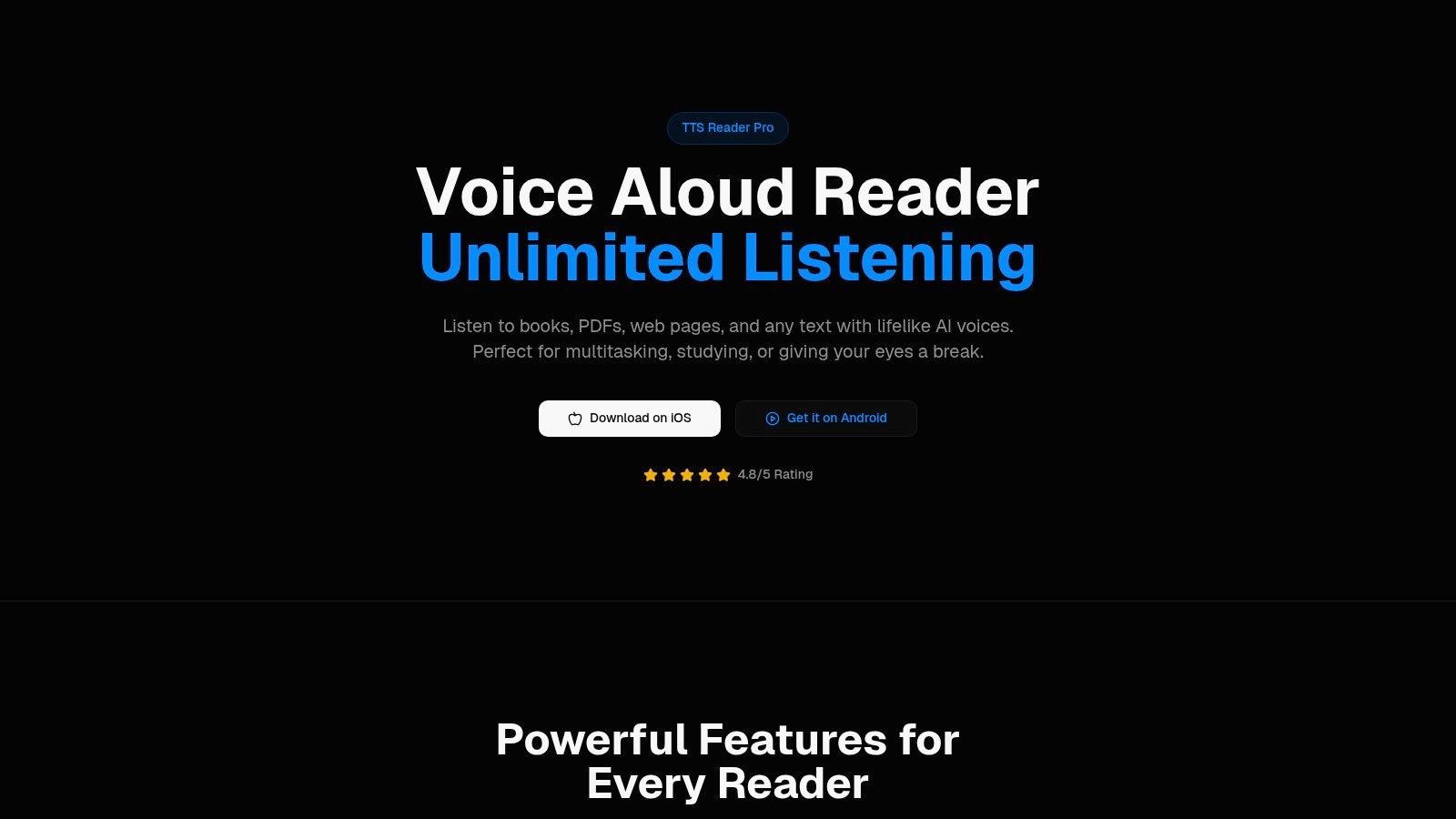
The app’s core strength lies in its ability to sync directly with your Kindle library, providing a seamless way to create an audiobook Kindle experience for any title you own, not just those with official Audible versions. This feature alone makes it a powerful asset for avid readers who want the flexibility of listening.
Key Features and Strategic Advantages
TTS Pro sets itself apart with a robust feature set engineered for quality and convenience. The platform's strategic focus is on delivering a high-fidelity listening experience that is both versatile and reliable.
- Premium AI Voices: The app offers a selection of remarkably humanlike AI voices across more than 50 languages. This isn't the robotic, monotonous TTS of the past. These voices capture nuances in tone and inflection, making long listening sessions enjoyable and engaging. For language learners, this feature is invaluable for pronunciation practice.
- Broad Content Compatibility: TTS Pro is a true content aggregator. It handles a diverse range of formats including PDF, EPUB, TXT, web pages, and even scanned physical documents via its OCR (Optical Character Recognition) technology. This means you can convert study notes, business reports, and online articles into audio just as easily as a Kindle novel.
- Advanced PDF Handling: A standout capability is its intelligent PDF processing. Unlike basic readers that jumble columns or ignore headers, TTS Pro preserves the original document structure. This ensures a logical, coherent narration of complex layouts, which is critical for academic papers and professional reports.
- Unlimited Listening: The platform is built for marathon sessions. It processes and plays long documents and books without interruption or cutoffs, a common frustration with less sophisticated apps. This reliability is crucial for anyone looking to consume entire books or lengthy research materials.
Practical Applications and User Experience
The practical benefits of TTS Pro extend to various daily scenarios. A student can scan textbook chapters to create audio study guides for their commute. A professional can listen to lengthy reports while exercising. An individual with dyslexia or screen fatigue can access written content without visual strain. The app's interface is designed for simplicity, allowing users to quickly import content and customize playback settings like speed and voice selection.
Strategic Takeaway: TTS Pro's primary advantage is its fusion of high-quality voice synthesis with extensive format support, particularly its direct Kindle integration. This positions it as a superior solution for users who need a single, reliable app to convert their entire digital and physical library into an audiobook Kindle powerhouse.
Platform Availability and Pricing
TTS Pro is available for both iOS and Android devices, ensuring broad accessibility. While the website highlights its strong 4.8/5 user rating, it does not provide specific pricing details. Potential users should check the App Store or Google Play for information on subscription plans, free trials, or any one-time purchase options for premium features or voices.
Website: https://ttspro.app
Pros & Cons
| Pros | Cons |
|---|---|
| Exceptional Voice Quality: Premium, natural-sounding AI voices in over 50 languages provide a superior listening experience. | Pricing Ambiguity: Subscription or purchase details are not available on the main website, requiring an app store visit. |
| Versatile Format Support: Handles Kindle books, PDFs, EPUBs, web pages, and scanned documents with OCR technology. | Limited Platform Information: No clear details on offline capabilities, data privacy, or a potential desktop client. |
| Advanced PDF and Kindle Integration: Preserves document formatting and seamlessly syncs with your Kindle library. | |
| Strong Social Proof: High user ratings (4.8/5) indicate widespread user satisfaction and reliability. |
2. Amazon Kindle Store
The most integrated and direct path to an audiobook Kindle experience comes from the source itself: the Amazon Kindle Store. Rather than using a third-party app to convert text, this method pairs your Kindle eBook with a professionally narrated Audible audiobook, creating a seamless, hybrid experience. It's the official, built-in solution designed by Amazon for users who want to switch between reading and listening without losing their place.
The key to this system is a feature called Whispersync for Voice. When you own both the Kindle eBook and its companion Audible audiobook, Whispersync synchronizes your progress across both formats. You can read a few chapters on your Kindle device before bed, and the next morning, your Audible app will be ready to play right where you left off.
Key Features and User Experience
The user experience is designed for simplicity. When browsing for a book in the Kindle Store, you'll often see a checkbox option labeled "Add Audible narration." Selecting this adds the professionally recorded audiobook to your purchase, usually at a significant discount compared to buying it separately.
- "Add Audible Narration": A direct purchasing option on the eBook's product page. This often presents the best value for acquiring both versions.
- Whispersync for Voice: The technology that automatically syncs your reading and listening progress. This feature is the platform's biggest selling point, offering a fluid transition that no text-to-speech app can replicate.
- Matchmaker Tool: Amazon offers a tool that scans your existing Kindle library and identifies all your books that have a companion audiobook available at a discounted price. This is perfect for upgrading your back catalog.
- Direct Playback: Many modern Kindle e-readers (like the Paperwhite and Oasis) support Bluetooth, allowing you to connect headphones or a speaker and listen to your Audible book directly from your reading device.
Strategic Breakdown & Takeaways
| Feature Analysis | Strategic Insight | Actionable Takeaway |
|---|---|---|
| Integrated Ecosystem | By controlling both the eBook (Kindle) and audiobook (Audible) platforms, Amazon creates a powerful, frictionless user experience. | Before buying a new eBook, always check the "Add Audible narration" box to see the bundled price. It's often the most cost-effective way to get both. |
| Pricing Model | The discounted "add-on" pricing incentivizes users to stay within the Amazon ecosystem rather than seeking separate audiobook services. | Use the Amazon Matchmaker tool to scan your library. You may find you can upgrade dozens of your existing Kindle books to an audiobook Kindle format for just a few dollars each. |
| Accessibility & Convenience | Whispersync is not just for convenience; it's a powerful accessibility tool. It allows individuals with visual impairments or reading difficulties like dyslexia to follow along with the text as it's narrated. | Pair your Kindle with Bluetooth headphones. Use Immersion Reading (available in the Kindle app) to see text highlighted in real-time as the narrator reads it, which can aid comprehension and focus. |
The main drawback is that not every Kindle book has an Audible companion, and even fewer have Whispersync for Voice enabled. However, for titles that do, this platform offers the most polished and integrated audiobook Kindle experience available.
Website: https://www.amazon.com/Kindle-eBooks
3. Audible
As the world's largest producer and retailer of audiobooks, Audible is the undisputed powerhouse in the listening space. Owned by Amazon, it offers the deepest integration possible for a true audiobook Kindle experience, going far beyond simple playback. Its platform is built around a vast library of professionally narrated titles and is designed to sync seamlessly with the Kindle ecosystem, making it the premier choice for users who prioritize quality and convenience.
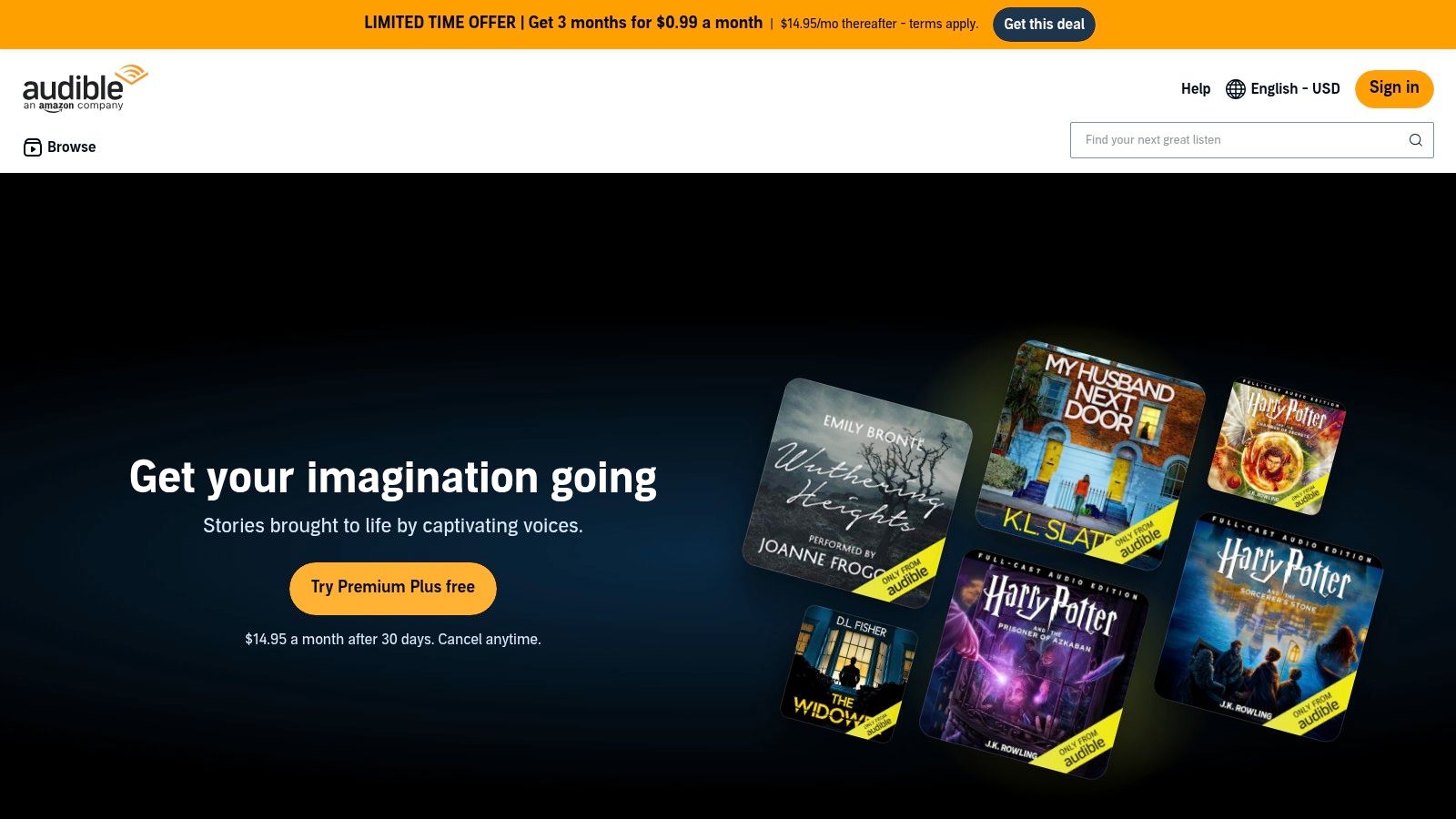
The core of Audible's offering is its membership model, which provides monthly credits to purchase any audiobook regardless of its cash price. However, its most powerful feature for Kindle users is Whispersync for Voice. This technology allows you to switch between reading a Kindle eBook and listening to its Audible version without ever losing your spot, creating a fluid, uninterrupted experience.
Key Features and User Experience
Audible’s user experience is polished and accessible across a huge range of devices, from its dedicated mobile apps to Kindle e-readers and Alexa smart speakers. The platform is designed to make discovering and listening to audiobooks effortless, with features tailored for both casual listeners and avid readers.
- Premium Plus Membership: The primary subscription model provides a monthly credit for any premium title and grants access to the Plus Catalog, a large collection of included audiobooks, podcasts, and originals.
- Massive Library: Audible boasts an unparalleled selection of audiobooks, including new releases, bestsellers, classics, and exclusive Audible Originals.
- Whispersync for Voice: As the counterpart to the feature in the Kindle Store, this ensures perfect synchronization between your Kindle eBook and the corresponding Audible audiobook.
- Multi-Device Playback: Listen directly on modern Kindle devices via Bluetooth, use the mobile app on your phone, or simply ask Alexa to play your audiobook at home.
Strategic Breakdown & Takeaways
| Feature Analysis | Strategic Insight | Actionable Takeaway |
|---|---|---|
| Credit-Based Membership | The credit system standardizes the cost of audiobooks, making expensive new releases as accessible as older titles. This encourages consistent monthly engagement. | Use your monthly credit on a new, full-priced bestseller to maximize its value. For other titles, wait for member-only sales where you can purchase audiobooks for a few dollars instead of using a credit. |
| Deep Kindle Integration | By tying its audiobook service directly to the Kindle platform, Amazon creates a powerful lock-in effect. The convenience of Whispersync is a compelling reason to buy both formats from them. | Before purchasing a new audiobook, check if you already own the Kindle version. If so, you can often add the Audible narration for a heavily discounted price, making it cheaper than using a credit. |
| Plus Catalog Access | The Plus Catalog adds significant value to the membership beyond the monthly credit, functioning like a "Netflix for audiobooks" and encouraging discovery of new authors and series. | Dedicate some listening time to exploring the Plus Catalog. It's a risk-free way to find your next favorite author or series without spending a credit or additional money, transforming your audiobook Kindle library. |
While Audible's credit model may not suit everyone, especially those who prefer hunting for individual deals, its massive catalog and flawless Kindle integration make it the gold standard. For users invested in the Amazon ecosystem, it provides the most feature-rich and seamless listening experience available.
Website: https://www.audible.com
4. Kindle Unlimited (KU)
For voracious readers who want an audiobook Kindle experience without purchasing every title individually, Kindle Unlimited (KU) offers a compelling subscription model. Instead of buying books, KU provides access to a vast, rotating library of eBooks and magazines for a monthly fee. The key feature for our purposes is that a significant portion of these titles includes the companion Audible narration at no extra cost, labeled as "Read and Listen for Free."
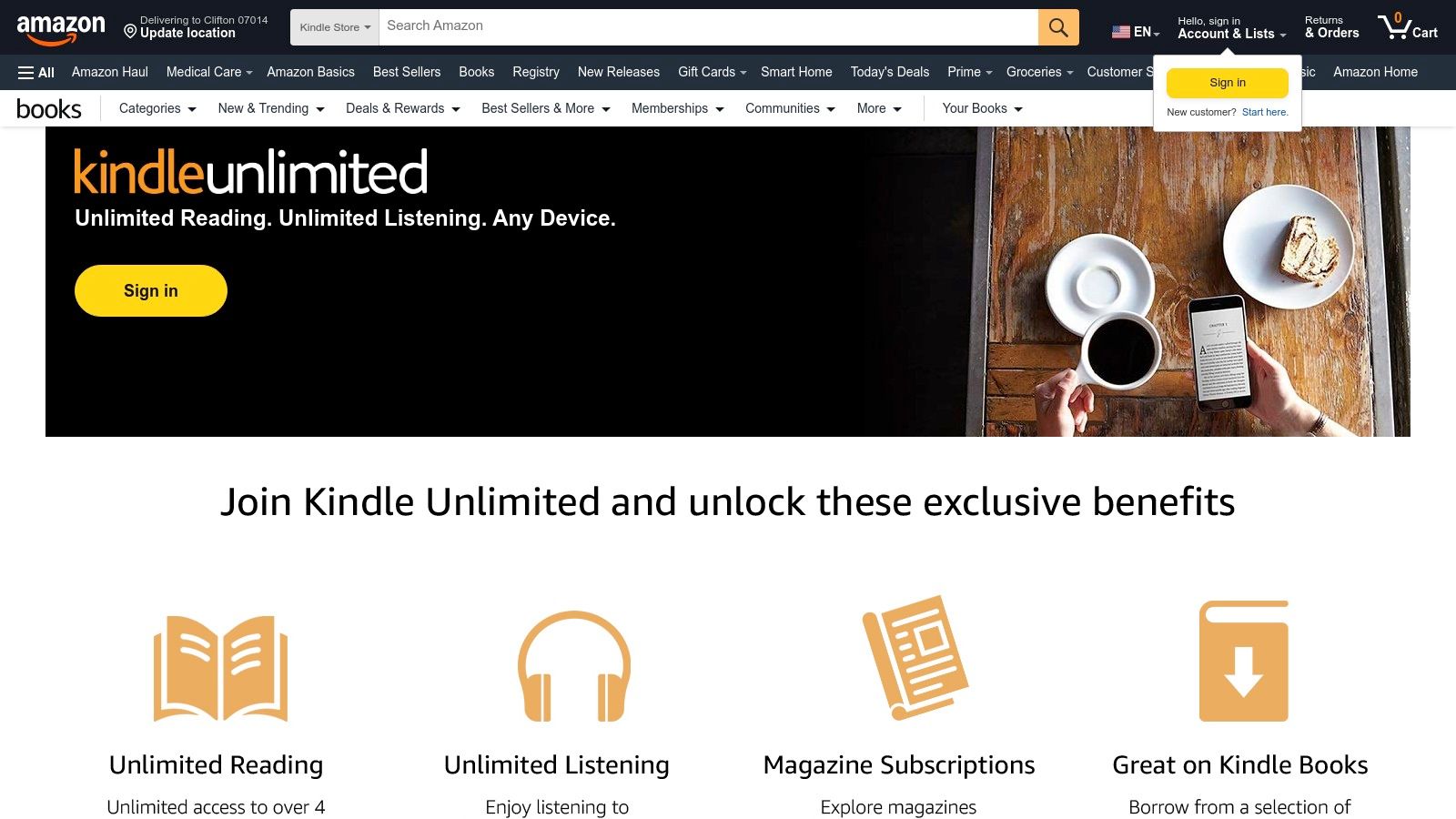
This "all-you-can-eat" approach transforms your Kindle into a lending library of audio-enabled books. When you "borrow" a KU-eligible title that includes narration, both the eBook and the audiobook are added to your library. It leverages the same Whispersync for Voice technology as purchased titles, allowing you to seamlessly switch between reading the text on your Kindle and listening to the professional narration via the Audible or Kindle app.
Key Features and User Experience
The user experience is integrated directly into the Amazon ecosystem, making it easy to find and consume audio-enabled content. A dedicated KU homepage and search filters help users identify which books come with the free listening option.
- "Read and Listen for Free": Many KU eBooks are bundled with their Audible versions. A special headphone icon or "With Narration" badge clearly marks these titles in the store.
- Whispersync for Voice: Just like with purchased pairs, your progress is synced automatically. You can read on your commute home and pick up listening at the exact same spot while making dinner.
- Rotating Catalog: The library is constantly updated, offering a great way to discover new authors and genres without the financial commitment of buying each book.
- Cross-Device Functionality: Access your KU eBooks and audiobooks on any Kindle e-reader, Fire tablet, or through the Kindle and Audible apps on your smartphone or tablet.
Strategic Breakdown & Takeaways
| Feature Analysis | Strategic Insight | Actionable Takeaway |
|---|---|---|
| Subscription Model | KU leverages a "try-before-you-buy" psychological hook. By offering a vast library for a flat fee, it encourages high-volume consumption and discovery within Amazon's walls. | Before subscribing, use the search filter on the KU store to check for "Kindle Unlimited with Narration." This will show you exactly how many audio-enabled books are available in your favorite genres, helping you assess the value. |
| Content Curation | The catalog is heavily curated and rotates, creating a sense of urgency and encouraging users to remain subscribed to avoid losing access to borrowed titles. | When you find an audiobook Kindle title you love in KU, add it to a "Wish List." If it rotates out of the KU program, you'll be notified of price drops or have a reminder to purchase it later. |
| Ecosystem Lock-in | By bundling the eBook and audiobook experience so seamlessly within a subscription, Amazon makes it less appealing for users to seek out competing audiobook services like Scribd or Libby. | Maximize value by borrowing the maximum number of KU titles at a time (currently 20). Focus on titles with included narration to get the most out of your subscription fee. |
The primary drawback is that you don't own the books; once you cancel your subscription, all borrowed titles are removed from your library. Additionally, not all KU books include narration, so you have to specifically look for the "With Narration" badge. For avid readers who consume multiple books a month, however, KU provides one of the most cost-effective ways to enjoy an audiobook Kindle library.
Website: https://www.amazon.com/kindleunlimited
5. Libby by OverDrive
For readers who love their local library, Libby by OverDrive offers a cost-effective and legal way to enjoy a vast catalog of digital content. While it doesn't directly create an audiobook Kindle file from a text, it serves a similar audience by providing access to thousands of professionally narrated audiobooks and eBooks for free with a valid library card. It's the ultimate solution for budget-conscious readers who want to supplement their purchased library without spending a dime.
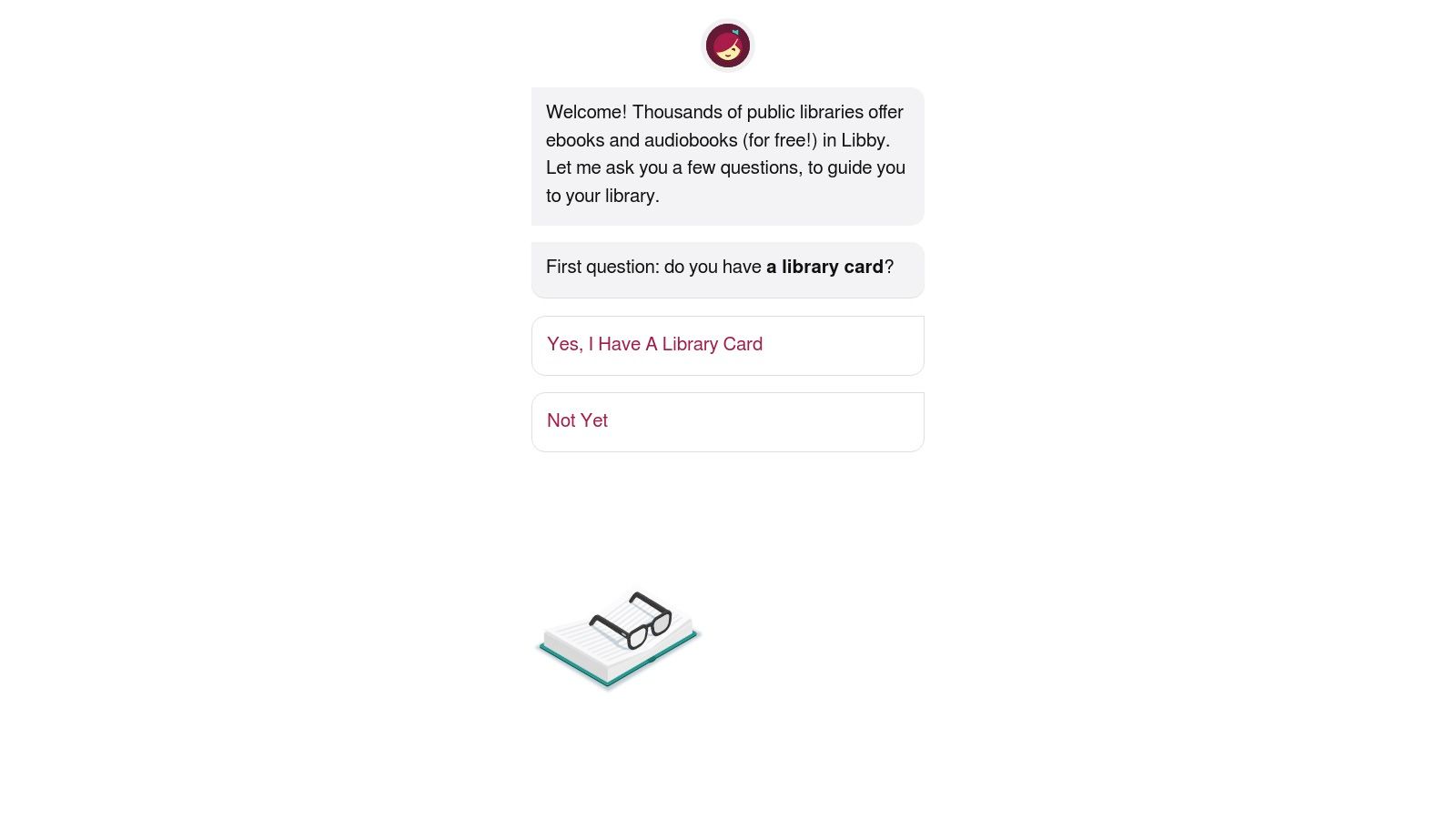
Libby's system separates the two formats. You borrow audiobooks and listen to them directly within the excellent Libby mobile app. Separately, you can borrow compatible eBooks and, in the U.S., send them to your Kindle device or app to read. While this doesn't offer the synchronized Whispersync experience, it allows you to access both formats of a book from the same free source.
Key Features and User Experience
The user experience is clean, modern, and incredibly user-friendly. After connecting your library card, you can browse, search, and borrow titles with just a few taps. Libby simplifies the digital lending process, making it accessible to everyone.
- Free Digital Lending: Access a huge collection of audiobooks and eBooks from your local library's digital catalog at no cost.
- "Send to Kindle" Option: For many eBooks available in the U.S., Libby provides a one-click option to send the borrowed book directly to your Amazon account and Kindle devices.
- Holds and Waitlists: If a popular title is currently checked out, you can place a hold and receive a notification when it becomes available for you to borrow.
- Direct Audiobook Playback: The built-in audiobook player in the Libby app is robust, offering variable playback speed, a sleep timer, and easy chapter navigation.
Strategic Breakdown & Takeaways
| Feature Analysis | Strategic Insight | Actionable Takeaway |
|---|---|---|
| Leveraging Public Infrastructure | Libby taps into the existing, taxpayer-funded public library system, offering a free alternative to subscription services like Audible and Scribd. | Get library cards from multiple library systems if you are eligible (e.g., city, county, state). This expands your access to different catalogs and can shorten wait times for popular books. |
| Separated Formats | By keeping audiobook playback within its own app, Libby maintains control over the user experience and avoids DRM complexities with Amazon. | Use Libby for your "listening on the go" needs via its mobile app, and use its "Send to Kindle" feature for your dedicated reading time. Treat them as two excellent, free, but separate services. |
| Demand-Based Scarcity | The holds and waitlist system mimics physical library lending, creating a sense of urgency and encouraging users to explore immediately available titles. | Use the "Available now" filter when you need an audiobook Kindle or eBook immediately. This is perfect for finding your next listen without waiting. Set up notifications to be alerted the moment your holds are ready. |
The primary trade-off with Libby is the lack of direct integration; you listen in one app (Libby) and read on your Kindle. Furthermore, popular new releases can have long waitlists. However, for a completely free way to access an enormous library of professionally produced audiobooks and Kindle-compatible eBooks, Libby is an unbeatable resource.
Website: https://libbyapp.com
6. Chirp Audiobooks
For readers who prioritize value and prefer owning their audiobooks outright, Chirp presents a compelling alternative to subscription models. Chirp is an audiobook retailer focused on providing limited-time, deeply discounted deals without requiring a monthly membership. This makes it an excellent platform for building an audiobook Kindle adjacent library, where you can acquire professionally narrated titles at a fraction of their regular price.
While Chirp does not integrate directly with Kindle devices or offer features like Whispersync, its value proposition is clear: affordability and ownership. You buy the audiobooks you want when they are on sale and listen to them through the dedicated Chirp app on your phone or tablet. This is a manual but cost-effective way to pair a reading experience on your Kindle with a listening one on another device.
Key Features and User Experience
Chirp’s user experience is centered around deal discovery. Users sign up for free and receive daily or weekly emails highlighting new deals in their preferred genres. The platform is designed for listeners who are flexible about what they listen to next and enjoy finding hidden gems at a bargain.
- Limited-Time Deals: Chirp's core feature is its rotating selection of audiobooks discounted by up to 95%. This model encourages frequent browsing and impulse buys.
- No Subscription Required: Unlike Audible's credit system, Chirp is a pure "pay-as-you-go" service. You buy what you want and own it forever, with no monthly fees.
- Dedicated Listening App: Purchases are accessed via the free Chirp app (iOS/Android), which supports offline downloads, adjustable playback speed, and sleep timers.
- Personalized Recommendations: The platform curates and sends deal alerts based on your stated genre preferences and past purchases, helping you find relevant sales.
Strategic Breakdown & Takeaways
| Feature Analysis | Strategic Insight | Actionable Takeaway |
|---|---|---|
| Deal-Based Model | Chirp’s model targets budget-conscious consumers who are willing to trade ecosystem integration (like Whispersync) for significant cost savings. | Sign up for Chirp's daily deal emails and set your genre preferences. This is the best way to catch fleeting deals on popular titles or authors you follow. |
| À La Carte Ownership | By avoiding subscriptions, Chirp appeals to users who dislike recurring fees or who listen to audiobooks sporadically. You truly own your library. | When you see a Kindle eBook you want, do a quick search on Chirp. You might find its audiobook companion available for a few dollars, creating a manual audiobook Kindle pairing for a very low cost. |
| Separate Ecosystem | The lack of direct Kindle integration means you must manually sync your reading and listening progress. It operates as a standalone service. | Use the "bookmark" feature in the Chirp app to mark your listening position. Before you start reading on your Kindle, quickly check your last bookmark in Chirp to find your place. |
The primary drawback for a seamless audiobook Kindle experience is the complete separation between the Kindle and Chirp ecosystems. However, if you are a savvy shopper looking to build a large, permanent audiobook library without being tied to a monthly subscription, Chirp offers unparalleled value.
Website: https://www.chirpbooks.com
7. Libro.fm
For readers who love supporting independent bookstores but still want a modern digital experience, Libro.fm offers a compelling alternative to major corporate platforms. It functions as an audiobook storefront that partners with local bookshops, sharing profits from every purchase. While it doesn't integrate directly with Kindle hardware for a native audiobook Kindle experience like Whispersync, its DRM-free options and community focus make it a noteworthy choice for ethically-minded listeners.
Libro.fm operates on a model similar to Audible, offering both a monthly membership and à-la-carte purchasing. The key difference is that when you sign up, you select a local, independent bookstore to support. A portion of your membership fee or individual purchase price goes directly to that store, allowing you to invest in your local community while building your digital library.
Key Features and User Experience
The user experience is centered around its clean mobile app and ethical purchasing model. You buy audiobooks on the website or in-app, and they become available for listening across your devices. The platform is designed for anyone who wants high-quality audiobooks without being tied to the Amazon ecosystem.
- Support Local Bookstores: Every purchase, whether through a membership credit or a direct buy, financially supports an independent bookstore of your choice.
- Flexible Listening Options: Choose a monthly membership that provides one audiobook credit per month and a 30% discount on additional purchases, or simply buy audiobooks as you go.
- DRM-Free Downloads: A standout feature is the ability to download your purchased audiobooks as DRM-free MP3 files. This gives you true ownership, allowing you to play them on any device or app you prefer.
- Modern Mobile App: The iOS and Android apps offer standard features like variable playback speed, a sleep timer, bookmarking, and offline listening.
Strategic Breakdown & Takeaways
| Feature Analysis | Strategic Insight | Actionable Takeaway |
|---|---|---|
| Community-Focused Model | Libro.fm leverages consumer desire to support local businesses, creating a powerful brand identity that contrasts with corporate giants. This ethical appeal is its primary market differentiator. | Before making your next audiobook purchase, consider if the title is available on Libro.fm. You can enjoy the same professionally narrated content while contributing to a local business. |
| DRM-Free Audio | By offering DRM-free downloads, Libro.fm empowers users with true ownership of their media. This is a strategic move that attracts customers frustrated with the licensing models of closed ecosystems. | Download your purchased audiobooks as MP3s for backup. You can then use a third-party app to manually sync your listening progress if you're reading a Kindle version simultaneously, creating a manual audiobook Kindle pairing. |
| Separate Ecosystem | The platform does not integrate with Kindle's Whispersync. Listening and reading are separate activities, managed in the Libro.fm and Kindle apps, respectively. | Use Libro.fm for its ethical model and excellent selection. Keep track of your place manually or use bookmarks in both apps if you plan to switch between reading the eBook on your Kindle and listening to the audiobook. |
The primary drawback for a dedicated Kindle user is the complete lack of integration. You are essentially managing two separate libraries. However, for those who prioritize supporting independent bookstores and want true ownership of their audio files, Libro.fm is an outstanding and ethical choice.
Website: https://libro.fm
7-Way Audiobook & Kindle Comparison
| Product/Service | 🔄 Complexity | ⚡ Resource requirements | 📊⭐ Expected outcomes | 💡 Ideal use cases | ⭐ Key advantages |
|---|---|---|---|---|---|
| TTS Pro | Low–Medium — install app, import/scan content | Mobile app, storage, possible in‑app purchases for premium voices | High — natural, multilingual narration; reliable long‑form playback | Students, commuters, language learners, accessibility needs | Natural premium voices, scan‑to‑audio, advanced PDF handling, unlimited listening |
| Amazon Kindle Store | Low — standard purchase/add‑narration flow | Kindle device/app, Amazon account; Audible companion may be purchased | High when companion audio available — seamless read/listen sync | Kindle owners wanting matched ebook + audiobook | Whispersync for Voice, often discounted "add narration" pricing |
| Audible | Low — account/subscription setup; app usage | Membership (credits) or per‑title purchases; apps across devices | Very high — largest catalog, strong ecosystem and device support | Frequent audiobook listeners seeking catalog depth and deals | Deep catalog, Whispersync integration, member deals, Alexa/Watch support |
| Kindle Unlimited (KU) | Low — subscription sign‑up and browse | Monthly subscription; Kindle app/device | Moderate — wide reading access; some titles include free narration | Avid readers who focus on rotating KU catalog | Good value for heavy readers; some "Read and Listen for Free" titles |
| Libby by OverDrive | Low — library card registration and borrow flow | Valid public library card from participating library; Libby app | Moderate — free audiobooks/eBooks but subject to holds and loan limits | Budget‑conscious listeners who prefer library lending | Free borrowing, broad library participation, simple mobile experience |
| Chirp Audiobooks | Low — account and one‑off purchases | No subscription; purchase cost per title; Chirp app/web player | Good — deep discounts on specific titles; you keep purchases | Bargain hunters preferring à‑la‑carte purchases | Large limited‑time discounts, buy‑and‑keep model |
| Libro.fm | Low — account and select independent bookstore | Membership or à‑la‑carte purchases; Libro.fm app; DRM‑friendly downloads | Good — ownership and community impact; supports indie bookstores | Listeners who want to support local bookstores | Supports indie stores, DRM‑friendly downloads, membership with credit option |
Final Thoughts
We've journeyed through the dynamic landscape of turning your digital library into an auditory experience, fundamentally changing how you interact with your favorite reads. The core takeaway is that the dream of an "audiobook kindle" experience for every book in your collection is not just possible, it's highly accessible with the right tools and strategies. This guide has equipped you with a comprehensive toolkit, from leveraging the power of text-to-speech with TTS Pro to navigating the rich ecosystems of Audible, Libby, and more.
The central challenge has always been bridging the gap between a static e-book and a dynamic audio format, especially for titles not professionally narrated. By understanding the step-by-step process of using a TTS reader, handling file formats, and customizing your listening settings, you have unlocked a new dimension of reading.
Synthesizing Your Audiobook Kindle Strategy
Let's distill the most critical insights from our exploration into a clear, actionable strategy. This isn't just about using a single app; it's about building a versatile system that adapts to your needs.
Key Strategic Insights:
- Hybrid Consumption Model: The most effective approach is a hybrid one. Use professionally narrated audiobooks from Audible, Libby, or Chirp for immersive, story-driven experiences where performance matters. For everything else, from academic texts and lengthy reports to that niche Kindle Unlimited find without an audio version, a powerful TTS tool is your workhorse.
- DRM as a Technical Hurdle: We identified Digital Rights Management (DRM) as a primary technical consideration. The strategic path forward involves using tools that integrate directly with your Kindle library or work with DRM-free documents, ensuring you stay within legal and ethical boundaries while maximizing access to your purchased content.
- Personalization is Paramount: The one-size-fits-all approach of traditional audiobooks doesn’t always serve specialized needs. The ability to control playback speed, switch between dozens of voices, and adjust pronunciation is not a minor feature; it's a strategic advantage for students, professionals, and accessibility users.
Actionable Takeaways for Your Reading Journey
To put this knowledge into practice, focus on these immediate next steps. These are the practical applications that will transform your reading habits.
- Audit Your Library: Start by reviewing your existing Kindle library. Identify which books you own that lack an official audiobook version. These are your prime candidates for your first TTS conversion project.
- Define Your Use Case: Are you a student needing to review research papers, a commuter wanting to catch up on non-fiction, or someone with screen fatigue? Your primary use case will determine your ideal settings. Students may prioritize slower, clearer voices, while commuters might increase the playback speed.
- Experiment with Voices and Speeds: Don't settle for the default settings. Spend 15 minutes listening to a single page with different voices and at various speeds. Finding a voice and pace that feels natural to you is the most important step for long-term listening enjoyment.
- Integrate and Automate: Build a habit. When you acquire a new Kindle book, immediately consider its audio potential. If no Whispersync for Voice deal exists, make it a standard part of your workflow to sync it with your chosen TTS reader.
Ultimately, the power to create a personalized audiobook kindle library is in your hands. You are no longer limited by the catalogs of audiobook publishers. With the right text-to-speech technology, every article, report, and e-book becomes an opportunity for hands-free, on-the-go learning and entertainment. You have the knowledge and the tools to curate an audio library that is as unique as your bookshelf, opening up a world where you can read more, learn faster, and engage with content in ways that fit seamlessly into your life.
Ready to unlock the full audio potential of your Kindle library? TTS Pro is the all-in-one solution designed to seamlessly convert your e-books into high-quality audio, giving you the ultimate "audiobook kindle" experience for any title. Start your free trial today and listen to your library your way at TTS Pro.







No Comments
Leave a comment Cancel