
The demand for hands-free reading has never been higher. Whether you're commuting, multitasking, reducing eye strain, or require accessibility support, getting your Kindle to read aloud can transform your experience. However, the path isn't always straightforward. Amazon's text-to-speech (TTS) features have evolved significantly, with capabilities varying across devices, apps, and even specific book titles. This guide is designed to demystify the entire process of using a Kindle with TTS.
This listicle serves as your complete, actionable playbook. We provide clear, step-by-step instructions for every major platform, ensuring you can enable audio narration no matter your device.
Here’s what you will learn:
- Device-Specific Setup: Detailed walkthroughs for Kindle e-readers, Fire tablets, and the Kindle apps for iOS and Android.
- Accessibility Tools: How to leverage built-in features like VoiceView and other screen readers to listen to your books.
- Third-Party Integration: A strategic breakdown of syncing your library with advanced apps like TTS Reader Pro for a premium, human-like listening experience.
- Navigating Limitations: Understanding and working around publisher restrictions and DRM that can block TTS functionality.
Each section includes screenshots and direct links to help you find precisely what you need. Forget the confusion and technical hurdles. Our goal is to provide a comprehensive resource that helps you unlock the full potential of your Kindle library, turning any book into an audiobook on demand. Let’s dive into the specific tactics and methods to make it happen.
1. TTS Pro
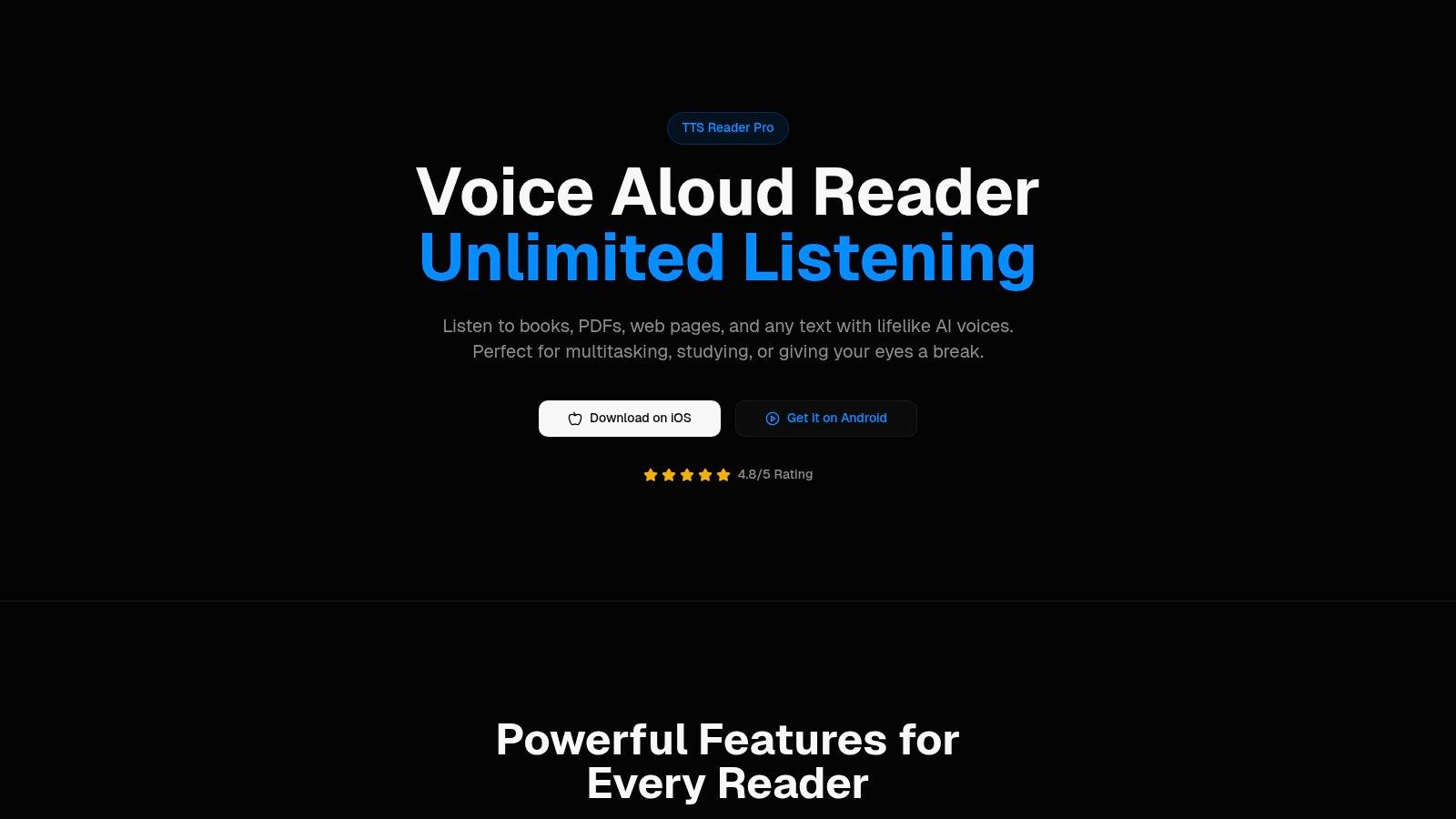
TTS Pro stands out as a premier, all-in-one solution for transforming your Kindle library and other digital content into high-quality audio. Positioned as a comprehensive mobile tool, it excels by combining powerful AI-driven narration with extensive file compatibility, making it an indispensable app for anyone seeking to integrate text-to-speech with their Kindle content and beyond. Its robust feature set is engineered to serve a wide audience, from students and professionals to commuters and users with accessibility needs.
The app's primary strength lies in its ability to directly sync with your Kindle library, a feature that many users looking for a Kindle with TTS solution will find invaluable. This integration simplifies the process of listening to your purchased books, bypassing the often-complex workarounds required on other platforms. The process is designed to be seamless, allowing you to enjoy your favorite titles in audio format without leaving the TTS Pro ecosystem.
Core Strengths & Strategic Advantages
TTS Pro distinguishes itself through several key capabilities that cater directly to the needs of modern content consumers. Its use of advanced AI voices creates a listening experience that is remarkably natural and engaging, a significant step up from the robotic narration of older TTS systems.
Here’s a breakdown of its standout features:
- Premium AI Narration: The app provides access to lifelike voices across more than 50 languages, ensuring that the narration is not just understandable but also pleasant to listen to for extended periods. This is crucial for long-form content like novels and reports.
- Broad File and Content Support: Beyond Kindle books, TTS Pro is a true content hub. It capably handles PDFs, EPUBs, and TXT files. This versatility makes it ideal for professionals reviewing documents, students studying research papers, or anyone wanting to convert various text formats into audio.
- Web-to-Audio and OCR Technology: Two of its most innovative features are the one-tap web article narration and the scan-to-audiobook function. You can paste a URL to have an article read aloud or use your phone's camera to scan printed text and convert it into an instant audiobook. This Optical Character Recognition (OCR) technology effectively bridges the gap between physical and digital content.
Actionable Takeaways & Practical Use Cases
To maximize your experience with TTS Pro, consider these practical applications:
- For the Commuter: Sync your Kindle library before leaving home. During your commute, you can listen to a chapter of a novel or a business book completely hands-free, turning travel time into productive learning or entertainment time.
- For the Student: Use the scan feature to digitize excerpts from textbooks or printed study guides. Convert lengthy PDF research papers into audio to review material while exercising or doing chores, reinforcing learning through auditory repetition.
- For the Professional: Forward PDF reports or long email threads to the app for review. Listening to documents can help reduce screen fatigue during a busy workday and allows for multitasking while catching up on required reading.
Strategic Insight: TTS Pro’s core value proposition is its convergence of content sources. By integrating Kindle, web articles, physical documents, and standard file types into a single, audio-centric platform, it solves a major fragmentation problem for users who consume information from multiple channels.
Navigating Potential Limitations
While TTS Pro is a powerful tool, it's important to be aware of a few considerations. The platform is mobile-focused, with no native desktop client mentioned, which may be a drawback for those who prefer to manage their content on a computer. Additionally, the accuracy of the OCR scanning feature can depend on the quality and clarity of the original printed document.
Pricing is not detailed on the main website, suggesting a model with in-app purchases or subscription tiers for premium features. Users should check the current plans on the Apple App Store or Google Play Store to understand the costs associated with unlimited access to the best voices and features.
Website: https://ttspro.app
2. Amazon
The primary and most official source for all things Kindle is, unsurprisingly, Amazon itself. It serves as the central hub for purchasing Kindle e-readers and Fire tablets, buying Kindle ebooks, and accessing the official documentation on accessibility features. For anyone looking to use a Kindle with TTS, Amazon is the logical starting point to understand the native capabilities of the hardware and software directly from the manufacturer.
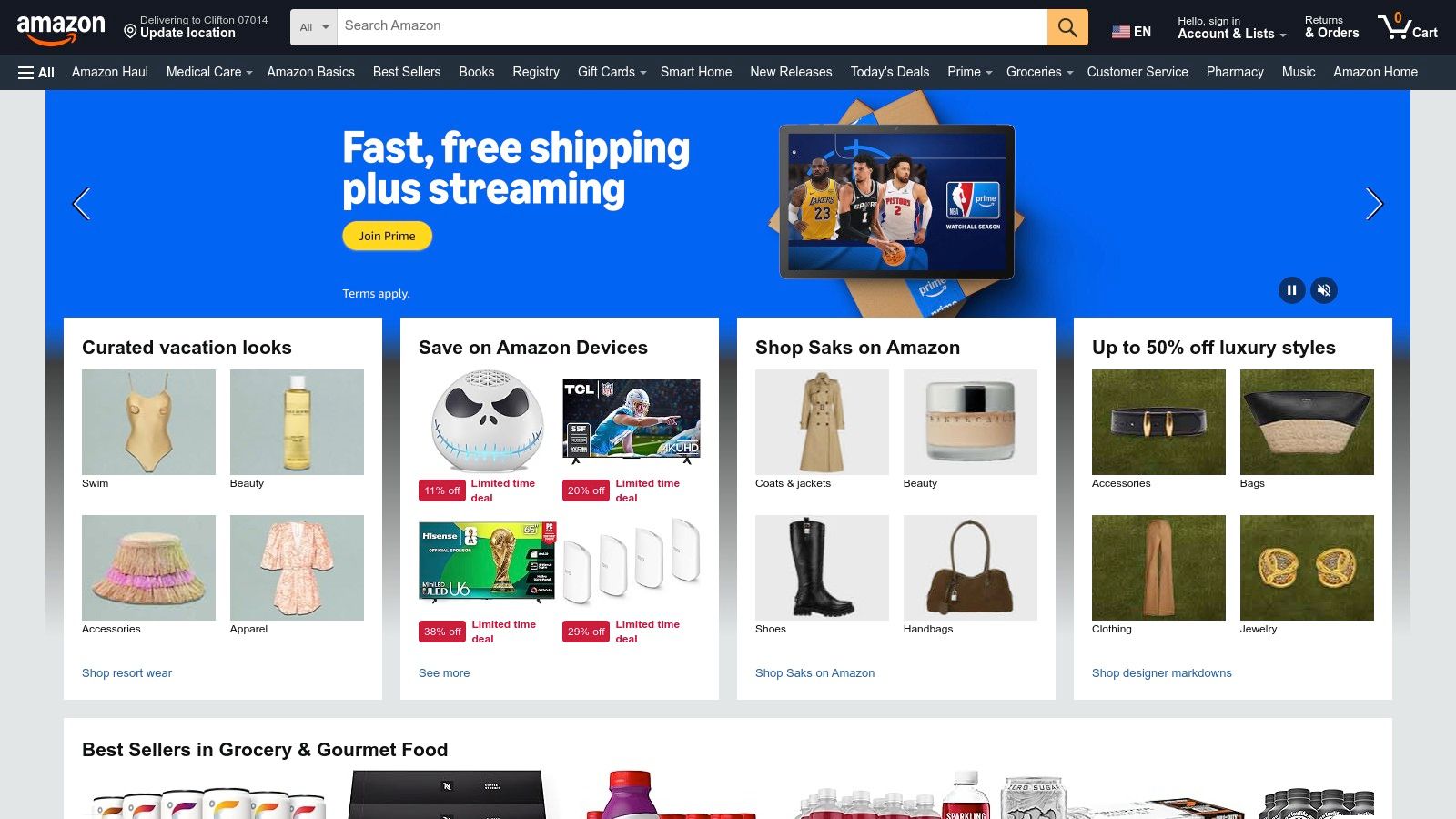
This one-stop-shop approach is its greatest strength. You can research the latest devices, compare features, and read customer reviews all in one place. Crucially, Amazon’s product pages for ebooks often include a "Product details" section that explicitly states "Screen Reader: Supported." This small but vital piece of information confirms whether a specific title allows assistive technologies to read its content aloud, helping you avoid purchasing a book that has TTS disabled by the publisher.
Strategic Breakdown
Amazon's ecosystem is designed to keep users within its walls, offering hardware (Kindle devices), software (Kindle apps), and content (ebooks) that are tightly integrated. This integration provides a streamlined user experience but also means users must understand the specific limitations of each device.
For instance, the text-to-speech functionality varies significantly between a Kindle e-reader and a Fire tablet. While both are Amazon products, their approaches to accessibility are different, and the company's website is the best place to find the most current information.
Key Features and Insights
Amazon’s offerings for Kindle TTS are primarily divided into two categories based on the device:
| Device Type | Primary TTS Feature | How It Works |
|---|---|---|
| Fire Tablet | Assistive Reader | A dedicated TTS function within the Kindle app. It reads the book aloud while highlighting the text, with adjustable speed and voice options. |
| Kindle E-Reader | VoiceView | A full screen reader designed for visually impaired users. It reads everything on the screen, including menus and book text, via a connected Bluetooth speaker or headphones. |
Practical Takeaways
- Check Before You Buy: Always look for the “Screen Reader: Supported” tag on an ebook's product page to ensure TTS compatibility.
- Choose the Right Device for Your Needs: If you want a simple, integrated text-to-speech experience similar to a dedicated app, a Fire tablet with Assistive Reader is the superior choice. If you primarily use an e-ink Kindle and need screen-reading capabilities for navigation and reading, VoiceView is the built-in solution.
- Look for Deals: Amazon frequently offers significant discounts on its Kindle and Fire devices, especially during sales events like Prime Day and Black Friday. This makes it an affordable entry point for accessing Kindle's TTS features.
Website: https://www.amazon.com
3. Apple App Store – Amazon Kindle app (iPhone/iPad)
For the millions of users already embedded in Apple's ecosystem, the official Amazon Kindle app for iPhone and iPad is a powerful and convenient gateway to their ebook library. Available for free on the App Store, this app brings robust text-to-speech functionality directly to the devices people use every day. This makes it an excellent choice for anyone who wants a Kindle with TTS experience without purchasing new hardware, leveraging the advanced accessibility features built into iOS and iPadOS.
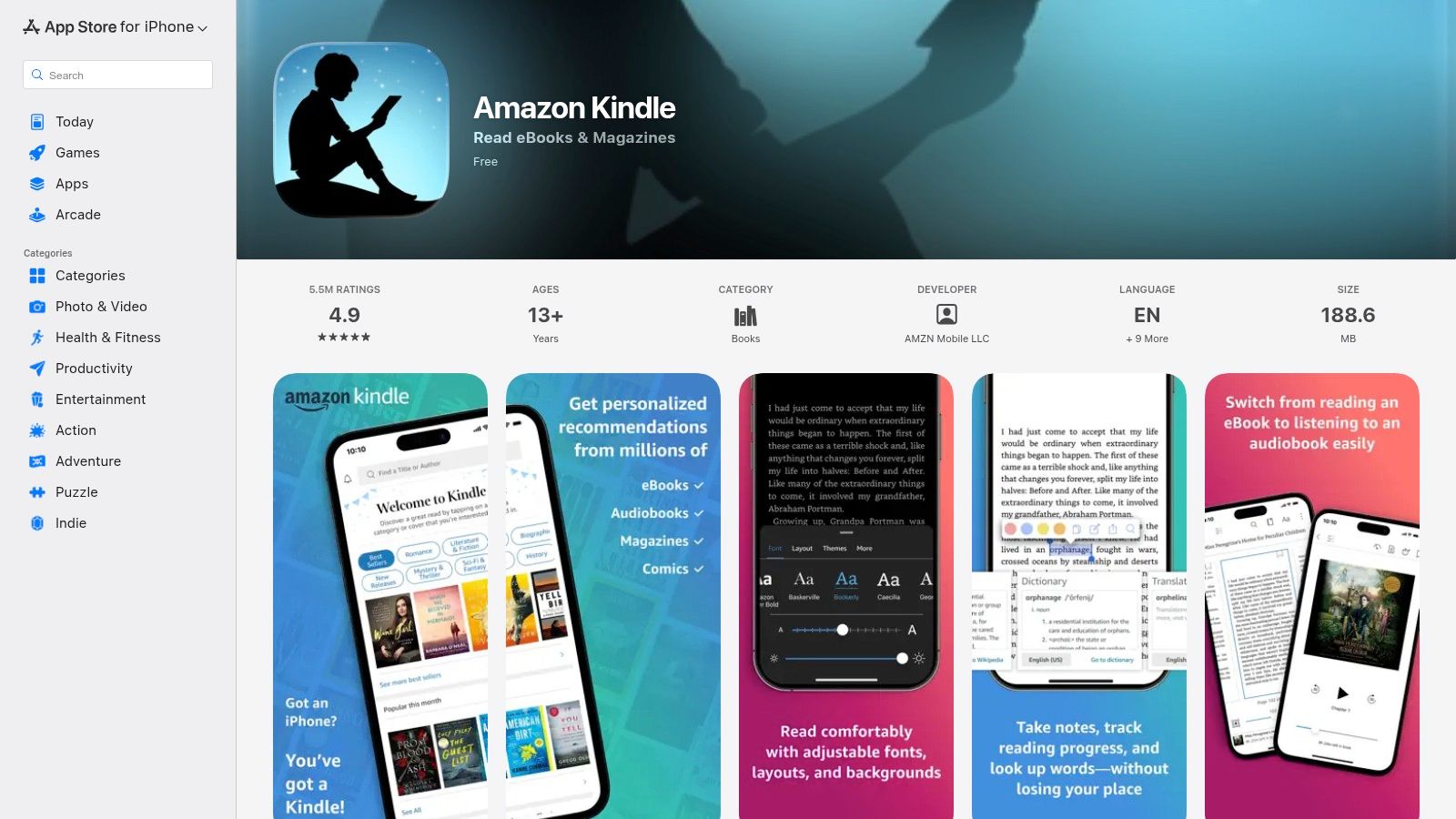
The app's primary strength is its seamless integration of Amazon's Assistive Reader with Apple's native VoiceOver screen reader. This combination offers a flexible and high-quality listening experience. Users can enjoy word-by-word highlighting within the app for focused reading, or use the system-wide VoiceOver to navigate their entire device and have books read aloud, providing a comprehensive accessibility solution that extends beyond just the Kindle app.
Strategic Breakdown
Amazon's strategy with the Kindle iOS app is to meet users where they are. By providing a full-featured app on a competing platform, Amazon ensures its Kindle ecosystem remains accessible and appealing even to those who do not own a Kindle or Fire device. This approach keeps users engaged with the Kindle store and its vast catalog of ebooks, regardless of their hardware preferences.
Recent improvements, like the streamlined "Get Book" button that simplifies the purchasing process on iOS, show a commitment to enhancing the user experience. This focus on usability ensures that finding, buying, and listening to Kindle books is a smooth process, making the app a top-tier choice for text-to-speech on Apple devices.
Key Features and Insights
The Kindle app on iOS offers two distinct but complementary approaches to text-to-speech, catering to different user needs and preferences.
| Feature Type | Primary Function | How It Works |
|---|---|---|
| Assistive Reader | In-App TTS | Activated within a compatible Kindle book, it reads text aloud with synchronized word highlighting. It includes simple controls for play/pause and adjusting reading speed. |
| Apple VoiceOver | System-Wide Screen Reader | An iOS accessibility feature that can be enabled to read any text on the screen, including Kindle book content. It provides more comprehensive navigational and reading control. |
Practical Takeaways
- Leverage What You Own: If you have an iPhone or iPad, the Kindle app is one of the fastest and most cost-effective ways to access your Kindle library with text-to-speech. No new device purchase is necessary.
- Combine Features for Best Results: Use the Assistive Reader for a simple, visual reading experience with highlighting. For more advanced control or for users with visual impairments, enable VoiceOver in your device's accessibility settings for a full screen-reading solution.
- Stay Updated: The app can sometimes experience glitches after a major iOS update. Keep both your device's operating system and the Kindle app updated to ensure the best performance and compatibility.
Website: https://apps.apple.com/us/app/amazon-kindle/id302584613
4. Google Play – Amazon Kindle app (Android)
For the vast majority of smartphone users, the Google Play Store is the gateway to transforming their Android device into a powerful reading tool. By downloading the official Amazon Kindle app, users can access their entire Kindle library and utilize built-in text-to-speech features without purchasing a dedicated Kindle or Fire tablet. This makes it an incredibly accessible and cost-effective solution for anyone who wants to use a Kindle with TTS on the go.
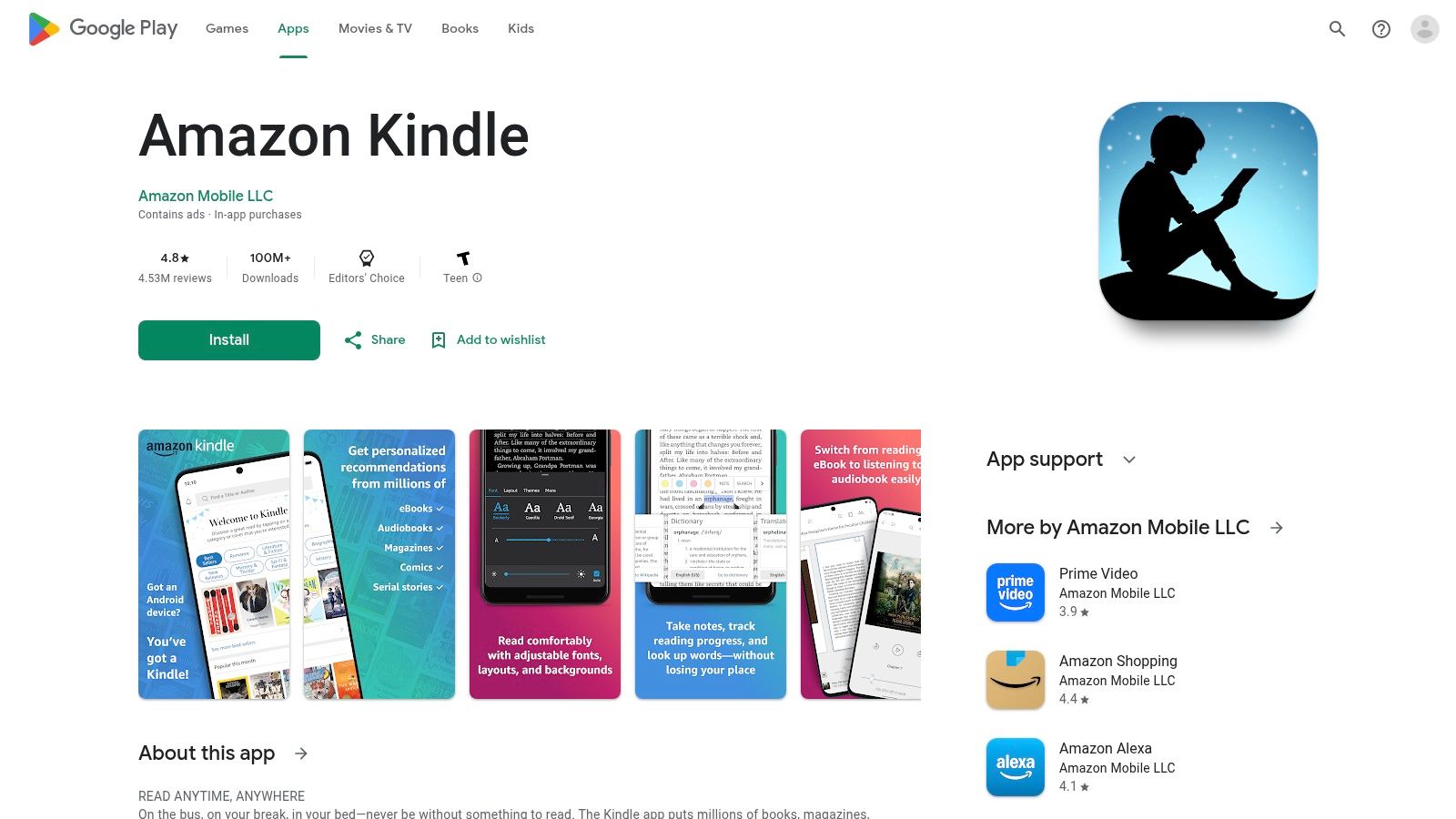
The primary advantage of this approach is convenience. Your phone is almost always with you, making it easy to switch between reading and listening during a commute, while exercising, or doing chores. The Kindle app for Android leverages the device's native capabilities, offering a streamlined experience that syncs seamlessly with your other Kindle devices and apps, ensuring you never lose your place.
Strategic Breakdown
The Kindle app on Android is Amazon's strategic effort to capture the mobile reading market and keep users within its ecosystem, even if they don't own Amazon hardware. By providing a free, feature-rich app, Amazon ensures that its massive ebook store remains relevant to Android users. The integration of its Assistive Reader feature directly addresses the demand for text-to-speech, competing with third-party TTS apps and audiobook platforms like Audible.
This strategy allows users to turn any compatible ebook into a makeshift audiobook, increasing the value of their Kindle purchases. It also leverages the flexibility of the Android OS, allowing for easy connection to Bluetooth headphones, speakers, and car audio systems for a versatile listening experience.
Key Features and Insights
The Kindle app on Google Play centralizes Kindle's TTS capabilities for the Android platform, offering a distinct set of features compared to dedicated hardware.
| Feature | Description | How It Works |
|---|---|---|
| Assistive Reader | The in-app TTS engine designed for reading books aloud. | Users tap the screen, select the "Aa" menu, and then "More" to find the text-to-speech option. It reads the text with synchronized word highlighting. |
| Android Accessibility | Integration with native Android screen readers like TalkBack. | For visually impaired users, TalkBack can read not just the book content but also all UI elements, providing a comprehensive accessibility solution. |
| Cross-Device Sync | Amazon’s Whispersync technology. | Automatically saves and syncs your last page read, bookmarks, and notes across all your Kindle devices and apps, including the Android app. |
Practical Takeaways
- Leverage Existing Hardware: If you already own an Android smartphone or tablet, downloading the Kindle app is the cheapest and fastest way to access Kindle with TTS. No new device purchase is necessary.
- Check In-App Purchase Policies: Historically, Google Play policies have impacted the ability to buy Kindle books directly within the app. While this has improved, be aware that you might occasionally need to use a web browser to purchase new titles.
- Use Bluetooth for Better Audio: Pair your Android device with Bluetooth headphones or speakers for a high-quality, hands-free listening experience, which is ideal for multitasking.
Website: https://play.google.com/store/apps/details?id=com.amazon.kindle
5. Best Buy
For shoppers in the United States who prefer a hands-on experience, Best Buy offers a physical retail alternative to online-only stores. As a major electronics retailer, it stocks both Kindle e-readers and Fire tablets, allowing customers to see, touch, and compare devices before making a purchase. This is particularly valuable for anyone trying to understand the tangible differences between a Kindle e-reader's VoiceView and a Fire tablet's Assistive Reader when seeking a Kindle with TTS.
The ability to test devices in-store is Best Buy's key advantage. You can connect a pair of Bluetooth headphones to a demo model and experience how VoiceView navigates menus or how Assistive Reader reads a book aloud. This immediate, practical feedback can be crucial in deciding which device best suits your accessibility and listening needs, a benefit you can't get from an online product page alone.
Strategic Breakdown
Best Buy’s strategy is rooted in its brick-and-mortar presence, which complements its online store. It provides a showroom and testing ground for Amazon's hardware, capturing customers who value in-person service, immediate pickup, and easy returns. While you still purchase ebooks from Amazon, Best Buy is a critical access point for the hardware required for a native Kindle TTS experience.
The retailer often matches Amazon's sale prices during major events, making it a competitive option. Furthermore, their in-store experts can help you bundle your purchase with necessary accessories like Bluetooth speakers, headphones, or protective cases, ensuring you have everything you need to start using text-to-speech right away.
Key Features and Insights
Best Buy provides a unique combination of online convenience and in-store benefits for those interested in Kindle's TTS features.
| Feature | Description | Strategic Advantage |
|---|---|---|
| In-Store Demos | Test Fire tablets and Kindle e-readers hands-on before buying. | Allows users to directly compare the user experience of Assistive Reader versus VoiceView to determine which is a better fit. |
| Price Matching | Often matches Amazon's sale prices on Kindle hardware. | Provides pricing parity with the convenience of immediate local pickup or in-person customer service for returns and exchanges. |
| Accessory Bundling | Sells compatible Bluetooth headphones, speakers, and cases alongside the devices. | A one-stop shop for the complete Kindle with TTS setup, eliminating the need to make separate purchases for essential accessories. |
| Open-Box Deals | Offers certified open-box and refurbished devices at a discount. | A budget-friendly way to acquire a Fire tablet or Kindle e-reader, making TTS features more accessible financially. |
Practical Takeaways
- Visit a Store to Test: If you are unsure whether a Fire tablet or a Kindle e-reader is right for your TTS needs, go to a Best Buy to try both.
- Check for Open-Box Savings: Look for "Open-Box" deals on the Best Buy website to get a fully functional device at a lower price, often with the same warranty.
- Confirm Stock Online: Before visiting, use the website to check local store availability for the specific Kindle or Fire model you're interested in to save time.
- Buy Accessories at the Same Time: Purchase a reliable pair of Bluetooth headphones or a speaker when you buy your device to ensure you can use VoiceView or Assistive Reader immediately.
Website: https://www.bestbuy.com
6. NV Access (NVDA + Kindle for PC)
For Windows users seeking a powerful, free, and highly customizable desktop solution, NV Access provides comprehensive guidance on using their NVDA (NonVisual Desktop Access) screen reader with the Kindle for PC application. This combination unlocks a robust Kindle with TTS experience, transforming your computer into an advanced reading machine. NV Access is not a TTS app itself but the organization behind one of the world's most popular free screen readers, and they offer specific instructions for Kindle users.
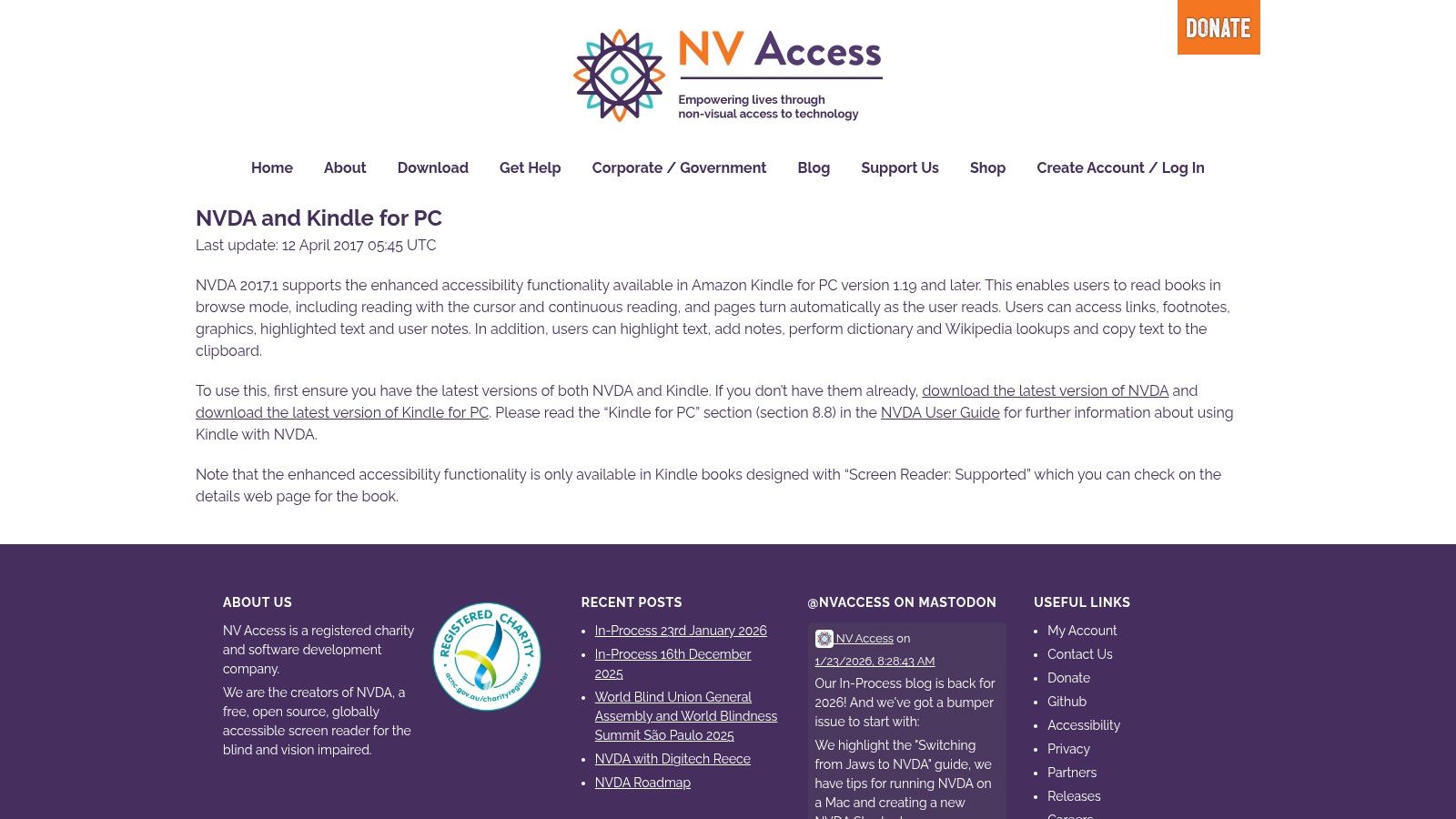
The primary strength of this method is leveraging the full power of a desktop-class screen reader. Unlike simpler mobile apps, NVDA offers deep navigation controls, allowing users to read by character, word, line, or paragraph, and even interact with annotations and highlights within the Kindle app. This makes it an excellent choice for academic, professional, or in-depth reading where precise control is necessary.
Strategic Breakdown
The strategy here is to decouple the text-to-speech functionality from the Kindle ecosystem and hand it over to a specialized accessibility tool. By using NVDA, users are no longer limited by the native TTS features (or lack thereof) in the Kindle for PC app. Instead, they gain a mature, open-source screen reader that can read any accessible text on their computer, including Kindle books that are flagged as "Screen Reader: Supported."
This approach turns the Kindle for PC application into a content library, while NVDA acts as the engine that vocalizes the text. The guidance provided by NV Access bridges the gap between these two pieces of software, detailing the specific commands and workflows needed to achieve continuous reading with automatic page-turning, a crucial feature for a seamless listening experience.
Key Features and Insights
The combination of NVDA and Kindle for PC offers a unique set of features tailored for power users and those requiring advanced accessibility options.
| Feature | Description | How It Benefits Users |
|---|---|---|
| Advanced Reading Modes | Read by character, word, line, or continuous "Say All" mode. | Provides granular control for proofreading, studying, or casual listening. The "Say All" function with auto page-turn simulates an audiobook. |
| Braille Display Support | NVDA natively supports a wide range of refreshable braille displays. | Offers a tactile reading experience for blind users, fully synchronized with the on-screen Kindle text. |
| Free and Open-Source | NVDA is developed by a non-profit and is completely free to download and use. | Makes this powerful TTS solution accessible to everyone, without subscription fees or hidden costs. |
| System-Wide Functionality | As a full screen reader, NVDA can read any accessible application, not just Kindle books. | Users learn one tool that can assist them across their entire Windows environment, increasing overall productivity. |
Practical Takeaways
- Confirm Compatibility First: This method only works for Kindle books that have "Screen Reader: Supported" enabled by the publisher. Always check the book's product page on Amazon before purchasing.
- Ideal for Desktop Power Users: If you do most of your reading and work on a Windows PC and need more than basic TTS, this is an unparalleled free solution. It's especially useful for students and researchers who need to interact with text deeply.
- Follow the Official Guide: The Kindle for PC app has undergone changes over the years. Always refer to the official NV Access page for the most current instructions and workarounds to ensure a smooth setup.
- Not a Mobile Solution: This setup is strictly for Windows desktops and laptops. It does not apply to Kindle e-readers, tablets, or mobile apps.
Website: https://www.nvaccess.org/kindle/
7. eBay
For users who miss the simple, integrated Text-to-Speech feature of older Kindles, the online marketplace eBay offers a direct path back in time. It is the primary destination for finding discontinued but functional legacy models like the Kindle 2, Kindle Keyboard, and Kindle Touch. These devices were celebrated for their straightforward, menu-accessible TTS, a feature that many users still prefer over the modern VoiceView screen reader.
On eBay, you can browse listings from countless sellers, often at a fraction of the cost of new hardware. This makes it an ideal platform for acquiring a dedicated read-aloud device without a significant investment. You can find specific models, compare conditions from "used" to "refurbished," and often benefit from eBay's buyer protection policies, providing a layer of security for your purchase.
Strategic Breakdown
eBay’s role in the Kindle with TTS ecosystem is that of a "legacy hardware supplier." It fills a gap left by Amazon's product evolution, which has shifted away from simple, built-in TTS on e-ink devices. By purchasing an older model, users are intentionally opting out of the modern, accessibility-focused VoiceView in favor of a simpler, more direct text-to-audio conversion feature.
This strategy is particularly effective for those who find VoiceView overly complex for casual listening. The older Kindles with native TTS provided a user experience where reading aloud was just another feature, like changing the font size, rather than a full-blown screen reader that vocalizes every menu item and UI element.
Key Features and Insights
Purchasing a legacy Kindle on eBay requires a specific approach and understanding of what you're getting:
| Feature/Aspect | Consideration on eBay | Key Legacy Models |
|---|---|---|
| Native TTS | This was a simple toggle feature within the reading menu, allowing users to start and stop the voice easily. | Kindle 2, Kindle Keyboard, Kindle Touch |
| Hardware Condition | Listings vary widely. Look for detailed descriptions and photos focusing on battery health and screen condition. | "Refurbished" or "Used – Good" are often reliable choices. |
| Cost | Significantly lower than new devices, making it a budget-friendly way to get a dedicated Kindle with TTS. | Prices can range from $20 to $60 depending on model and condition. |
Practical Takeaways
- Search for Specific Models: To find the desired feature, use precise search terms like "Kindle Keyboard with TTS" or "Kindle Touch."
- Check Seller Ratings: Prioritize purchasing from sellers with a high positive feedback score and read recent reviews to gauge reliability.
- Understand the Trade-Offs: Be prepared for older technology. These devices will have slower page turns, no backlights, and potentially reduced battery life. They also lack modern Kindle features like Goodreads integration or X-Ray.
- Verify TTS Compatibility: Remember that even on these older devices, publishers can still disable TTS for specific titles.
Website: https://www.ebay.com
Kindle with TTS — 7-Source Comparison
| Option | Setup Complexity 🔄 | Resource Requirements ⚡ | Expected Quality ⭐ | Best Use Cases 💡 | Key Advantages 📊 |
|---|---|---|---|---|---|
| TTS Pro | Low — install app, import/scan files 🔄 | Mobile device, possible subscription, internet/storage ⚡ | High (4.8/5) — lifelike voices, solid formatting ⭐⭐⭐⭐☆ | Commuting, studying, long-document review, language learning 💡 | Unlimited listening, OCR→audiobook, 50+ languages, Kindle sync 📊 |
| Amazon (store) | Low — purchase device/content 🔄 | Fire/Kindle hardware, Amazon account, shipping ⚡ | Variable — official hardware and TTS options; reliability varies ⭐⭐⭐ | Buying devices/content and accessing official accessibility docs 💡 | One-stop shop for hardware/content, discounts and returns 📊 |
| Apple App Store — Kindle (iOS) | Low — install app, sign in 🔄 | iPhone/iPad, Kindle account, occasional in-app purchases ⚡ | Good — Assistive Reader + VoiceOver pairing; title-dependent ⭐⭐⭐ | iOS users wanting free Assistive Reader with VoiceOver integration 💡 | Free app, strong VoiceOver compatibility, large Kindle catalog 📊 |
| Google Play — Kindle (Android) | Low — install app, sign in 🔄 | Android device, Kindle account, optional purchases ⚡ | Good — Assistive Reader on Android; quality varies by title ⭐⭐⭐ | Android users who want Kindle TTS without separate hardware 💡 | Broad device support, easy Bluetooth audio, cross-device sync 📊 |
| Best Buy | Low–Medium — buy in-store/online, test devices 🔄 | Travel/store pickup or online order, accessories (headphones) ⚡ | Dependent — device-dependent; good for hands-on evaluation ⭐⭐⭐ | In-person testing, same-day pickup, accessory bundling 💡 | Local testing, returns/financing, often matches Amazon pricing 📊 |
| NV Access (NVDA + Kindle for PC) | Medium–High — install/configure NVDA + Kindle for PC 🔄 | Windows PC, NVDA, Kindle for PC, supported titles, optional braille ⚡ | High for accessibility workflows — robust navigation and annotations ⭐⭐⭐⭐ | Desktop users needing screen-reader features, auto page-turn, braille support 💡 | Free NVDA, deep navigation modes, braille/display integration 📊 |
| eBay (legacy Kindles) | Medium — find/configure used legacy device 🔄 | Purchase used device, potential repairs/battery replacement ⚡ | Basic — original menu-based native TTS on older models ⭐⭐ | Users who prefer original built-in TTS experience or low-cost device 💡 | Access to native TTS toggles, lower cost for straightforward read-aloud 📊 |
Choosing Your Perfect Kindle TTS Workflow
Navigating the world of Kindle with TTS is a journey of matching the right tools to your specific reading habits and hardware. As we've explored, there isn't a single "on" switch; instead, you have a spectrum of solutions, each with distinct advantages and trade-offs. Your ideal setup depends entirely on what you prioritize: convenience, audio quality, accessibility, or device preference.
The path you choose will fundamentally shape your listening experience. From the built-in, screen-reading functionality of VoiceView on Kindle E-readers to the more seamless integration on Fire tablets, Amazon provides foundational tools. However, these often come with limitations in voice quality and control, serving more as accessibility aids than premium audiobook replacements. For many users, the native TTS features within the Kindle mobile apps for iOS and Android offer the most straightforward entry point, leveraging the powerful screen readers built into your smartphone.
Key Takeaways: A Strategic Summary
To make the best choice, it’s crucial to recap the strategic insights from our deep dive. Understanding these core points will empower you to build a reliable and enjoyable Kindle TTS system.
- Hardware Defines the Starting Point: Your device is the most significant factor. Fire tablets offer the simplest, most integrated experience. E-readers require the VoiceView workaround, which is functional but less elegant. Mobile phones provide the greatest flexibility through their native accessibility features.
- Publisher Restrictions are Non-Negotiable: A key constraint we identified is that publishers can disable the TTS feature on their ebooks. This DRM-related limitation applies across all platforms, meaning no single tool can bypass it. Always check a book's product details for "Text-to-Speech: Enabled" before purchasing if this feature is critical for you.
- Accessibility vs. Listening Experience: Tools like VoiceView and NVDA are primarily accessibility features. They are designed to navigate an interface and read content aloud, but they may lack the natural flow and high-fidelity voices desired for immersive, long-form listening.
- Dedicated Apps Offer Superior Quality: For those who see TTS not just as a feature but as a primary way to consume books, a specialized application like TTS Reader Pro is the ultimate solution. This approach unlocks a world of high-quality, natural-sounding voices and advanced playback controls that native solutions simply cannot match.
Actionable Next Steps: Building Your Workflow
Armed with this knowledge, your next step is to select and implement the strategy that best fits your lifestyle. Consider these distinct user profiles to guide your decision.
- For the Simplicity Seeker: If you own a Fire tablet and want a zero-fuss, integrated solution, stick with the native "Read to Me" feature. It’s the path of least resistance for casual listening.
- For the Dedicated E-Ink Reader: If you love your Paperwhite or Oasis and need occasional audio assistance, mastering VoiceView with a Bluetooth speaker is your go-to method. It’s not perfect, but it gets the job done directly on your preferred device.
- For the Mobile Multitasker: If you read on your iPhone or Android device, leveraging the built-in screen reader (VoiceOver or TalkBack) within the Kindle app is your most efficient option for listening during commutes or chores.
- For the Audio Connoisseur: If you demand the best possible audio quality and want to turn any TTS-enabled ebook into a premium-sounding audiobook, the clear choice is to invest in a dedicated tool. This path requires a few extra steps but delivers an unparalleled listening experience, transforming your digital library.
Ultimately, achieving a great Kindle with TTS experience is about being an informed user. By understanding the interplay between your device's capabilities, the Kindle ecosystem's rules, and the power of third-party applications, you can craft a personalized reading workflow that seamlessly blends text and audio. You are no longer limited to just one way of enjoying your books; you now have the knowledge to listen to your library on your own terms, wherever you are.
Ready to elevate your listening beyond basic screen readers? Transform your TTS-enabled Kindle books into a high-quality audio experience with TTS Pro. Our app provides access to dozens of premium, natural-sounding voices, giving you the power to create a truly immersive audiobook from your text. Download TTS Pro today and hear the difference for yourself.





No Comments
Leave a comment Cancel